5.8.5 Drop Pad
The Drop Pad tells you which library is active. You can drag files onto the Drop Pad to import them into the active library. You can use the pop-up menu on the Drop Pad to change the active library (without introducing window clutter). The Drop Pad also provides information about whether EagleFiler can capture from the current application.
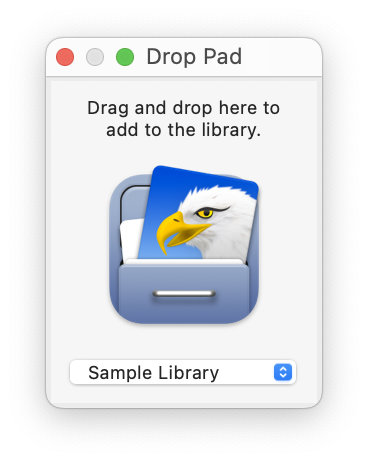
You can control the number of recent libraries shown in the Drop Pad window via the General pane in System Settings. You can clear the list of recent libraries from the File ‣ Open Recent menu.